Tool Directory
Image Upscaler
Swipe or tap to switch
Upscale Images to 4K in Seconds
Enhance product photos, portraits, and print assets with 2x, 4x, or 6x AI upscaling.
Image Upscaler Controls
Mode-aware routingBalanced upscaling for product photos, portraits, and mixed real-world images.
Each run costs 30 credits. FacePro is available for paid users only. 4x and 6x are available for paid users only.
Step 1 · Source Image
Start Image Upscaling
Drag and drop, or click to browse from your device.
Step 2 · Run
We use your source image, selected mode, and one fixed upscale preset. FacePro runs use the same 30-credit price and are available only to paid users. 4x and 6x are available for paid users only.
Recent Sessions
Output
Demo preview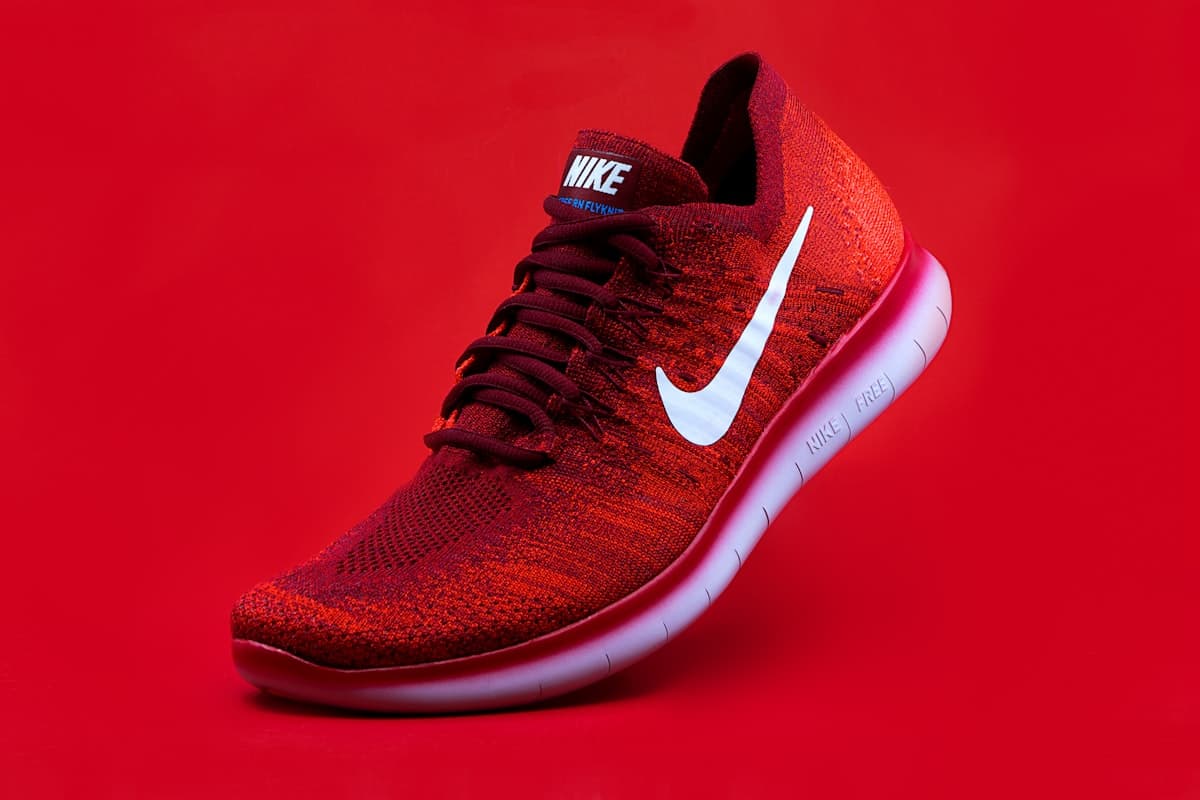
Drag the slider to compare a softer source preview with the enhanced output look.
2x, 4x, 6x scaling
Run practical super-resolution levels for listings, ads, and print.
Texture-safe enhancement
Recover edge detail while preserving skin, fabric, and metallic surfaces.
Production-ready output
Generate high-resolution assets for storefronts and design handoff.
Upscale Image to 4K AI in 4 Steps
Upload a source file, choose a mode, select a 2x, 4x, or 6x preset, and export high-resolution assets for production workflows.
Upload source
Upload your JPG or PNG source. This AI image upscaler online supports production assets up to 10MB.
Choose mode
Match the image type to the right route: General for mixed photos, Anime / Cartoon for stylized artwork, and FacePro for portrait recovery.
Select preset
Choose a practical 2x, 4x, or 6x upscale preset based on your output target and source quality.
Export result
Download your sharpened, production-ready image for marketplace, social, or print workflows.
Key Features
Built for quality enhancement across ecommerce, portrait, and print-prep scenarios.
4K-ready super resolution
Increase resolution for modern high-density displays and campaign deliverables.
Artifact cleanup
Reduce JPEG blocks, ringing, and low-quality compression artifacts.
Texture recovery
Restore fine detail for product shots, portraits, and lifestyle visuals.
Scale controls
Use 2x, 4x, and 6x settings to match your target output requirements.
Mode-aware processing
Route real photos, stylized artwork, and portrait recovery through processing paths tuned for each content type.
Browser-based workflow
Run the full process online without installing desktop software.
Common Use Cases
Long-tail workflows focused on catalog quality, portrait recovery, and print preparation.
Marketplace listing refresh
Upgrade legacy SKU photos for sharper product cards and gallery zoom views.
Portrait campaign recovery
Rescue low-resolution portraits while preserving natural skin texture.
Print-ready asset rescue
Convert web-only images into image upscaler for print ready files workflows.
UGC quality normalization
Improve user-submitted photos for consistent storefront visual standards.
Archive restoration
Recover texture and clarity from older compressed product libraries.
Case Studies
Marketplace and print-prep teams using image upscaling to recover production value from legacy assets.
Marketplace Catalog Refresh
Challenge: A merchant needed to modernize more than 500 legacy SKU images for 2026 high-resolution storefront standards.
Solution: The team used a product photo upscaler for marketplace workflows with 4x output and detail-preserving controls.
Result: Catalog quality improved across product cards and zoom views without reshooting inventory.
Portrait Campaign Recovery
Challenge: A marketing team had only low-resolution profile photos for an outdoor media placement.
Solution: They routed portraits through FacePro with 4x output for stronger facial recovery before media production.
Result: Portraits were upgraded into campaign-ready assets with natural facial detail retention.
Print-Ready Rescue
Challenge: A design studio needed to convert web assets into large-format poster files under deadline pressure.
Solution: The studio ran an image upscaler for print ready files workflow targeting 300-DPI-equivalent output sizing.
Result: Designers shipped crisp print assets without rebuilding source artwork from scratch.
UGC Optimization
Challenge: An ecommerce brand needed consistent quality across user-generated product photos.
Solution: They applied an online image quality enhancer for listing photos process with artifact cleanup defaults.
Result: Storefront quality became more consistent while preserving authentic UGC styling.
Luxury Asset Restoration
Challenge: A jewelry team needed to recover metallic and gemstone detail from compressed historical files.
Solution: They used General mode with a high-resolution preset to recover edge definition and material detail from compressed files.
Result: Visual detail and material depth improved for premium brand reuse across channels.
FAQ
How can I sharpen blurry product images with AI?
Start with General mode and 4x scale to recover sharpness while keeping product geometry stable.
Does this tool improve compression artifacts with the AI upscaler?
Yes. It targets JPEG noise, blocking, and ringing while reconstructing cleaner local detail.
Is this an AI photo enhancer for ecommerce?
Yes. It is optimized for product-focused workflows where texture and edge clarity directly impact listing quality.
Can I use this as an AI super resolution image tool?
Yes. It is built for practical super-resolution runs with 2x, 4x, and 6x output scaling.
How do I upscale web images for ads?
Upload the source asset, choose 4x scale, and export a higher-resolution version for social and display formats.
Can I perform batch AI upscaling for catalogs?
Yes. Teams can queue repeated runs for large product sets through dashboard and API workflows.
Is there an AI upscaler for logos and illustrations?
Yes. It performs well on high-contrast graphics, though very small typography should still be reviewed manually.
How to enhance image details without artifacts?
Match the mode to the source: General for mixed photos, Anime / Cartoon for illustrations, and FacePro for portrait recovery.
What is the fastest upscaler API for apps?
Use the API route with async job polling or webhook callbacks for low-latency application integration.
Is this a high-resolution export for ecommerce creatives?
Yes. It is designed for high-resolution outputs suitable for catalogs, PDP galleries, and paid media assets.